Article
You are standing in the wine aisle, holding a bottle with a label that looks promising, but the front tells you almost nothing you can use in the moment. A region name, a producer you do not know, maybe a grape you half recognise. Knowing how to scan wine labels changes that moment completely. Instead of guessing, you can turn the bottle in your hand into something useful - what it is, how it tastes, whether it suits your palate, and if it is worth buying.
That is the real value of label scanning. It is not about showing off wine knowledge or collecting random scores from strangers. It is about making better decisions, faster, based on what you actually like.
How to scan wine labels without missing the bottle
The best scan starts before you even open an app. Hold the bottle still, make sure the entire front label is visible, and avoid tilting it so sharply that the text curves out of view. Most scanning tools work by recognising text, shapes and layout, so clear framing matters more than speed.
Lighting makes a bigger difference than most people expect. Bright, even light helps the camera pick up small print and decorative fonts. If you are in a dim restaurant or a shop with shiny overhead lighting, angle the bottle slightly to reduce glare. A glossy label can throw back light and hide the very details the scanner needs.
Distance matters too. If you are too close, the app may only capture part of the label. Too far away, and the text becomes fuzzy. A good rule is simple: fill most of the screen with the label while leaving a small border around the edges. That gives the scanner enough context to identify the bottle accurately.
What the scanner is actually looking for
When people think about how to scan wine labels, they often assume the app is only reading the winery name. In practice, a strong scan can pull together several cues at once - producer, wine name, region, vintage, grape variety and label design.
That is why two bottles from the same producer can still be distinguished if the scan is clear enough. It is also why limited editions, private labels and older vintages can be trickier. If one detail is obscured, the app may return a close match rather than the exact bottle.
This is where expectations help. Label scanning is very good, but it is not magic. Some wines have near-identical packaging across vintages. Others use highly stylised artwork with very little readable text. If you know that, you are less likely to blame the tool for a problem caused by the label itself.
Front label first, back label if needed
Start with the front label almost every time. That is where the key visual identity sits, and it is usually enough for a match. If the result looks off, or the bottle is especially minimalist, try the back label next. Back labels often include importer details, appellation wording, alcohol percentage and full wine names that help narrow things down.
This matters most with French and Italian wines, where the front may highlight the region more than the grape. If you are still learning what you like, extra context from the back label can make the difference between a vague guess and a confident choice.
Common reasons a wine label scan fails
Most failed scans come down to a few simple issues. The first is glare, especially on metallic or glossy labels. The second is motion blur from moving the bottle or camera too quickly. The third is obstruction - your fingers covering the producer name, a price sticker across the vintage, or a shelf edge cutting off the bottom of the label.
There are also bottle-specific challenges. Sparkling wine foil can reflect light into the frame. Dark glass can make contrast worse in low light. Some natural wine labels lean heavily on illustration and barely include standard naming. In those cases, scanning may need a second attempt or a manual search.
None of that means you are doing it wrong. It just means wine packaging was designed for shelf appeal first, and machine readability second.
A quick fix when the first scan misses
If the first result is wrong or no result appears, do not keep repeating the same scan in the same conditions. Change one thing. Move to better light. Step back slightly. Flatten the bottle angle. Try the back label. If there is a shelf tag with the full wine name, use that to confirm what you are holding.
A small adjustment usually works better than five rushed retries.
How to scan wine labels in shops, restaurants and at home
Context changes the way you scan. In a wine shop, you usually have good access to the bottle but limited time. The goal is speed and confidence. Scan the front label, check the key facts, and decide whether it suits the occasion, budget and your taste profile.
In a restaurant, the challenge is often lighting and pressure. You may not want to hold up the table while studying a wine list like it is an exam paper. This is where label scanning becomes especially useful. Once the bottle arrives, a quick scan can help you understand what is being poured and whether it fits the dish you ordered. It turns an awkward guess into a calm decision.
At home, the benefit is memory. A scanned bottle is easier to track, rate and revisit later. That matters more than people think. Enjoying a wine once is nice. Remembering why you liked it, and finding something similar next time, is what builds real confidence.
Why scanning is more useful than reading random ratings
A bottle can have a high public score and still be the wrong wine for you. Maybe it is too oaky, too sharp, too heavy, or just not what you want with Tuesday night pasta. Generic ratings flatten all of that into one number.
Scanning gives you a better starting point because it can connect the bottle to specific details and, in the right app, to your own preferences. That is a very different experience from trusting the crowd. You are not asking what everyone else liked. You are asking whether this bottle fits your taste, your meal and your moment.
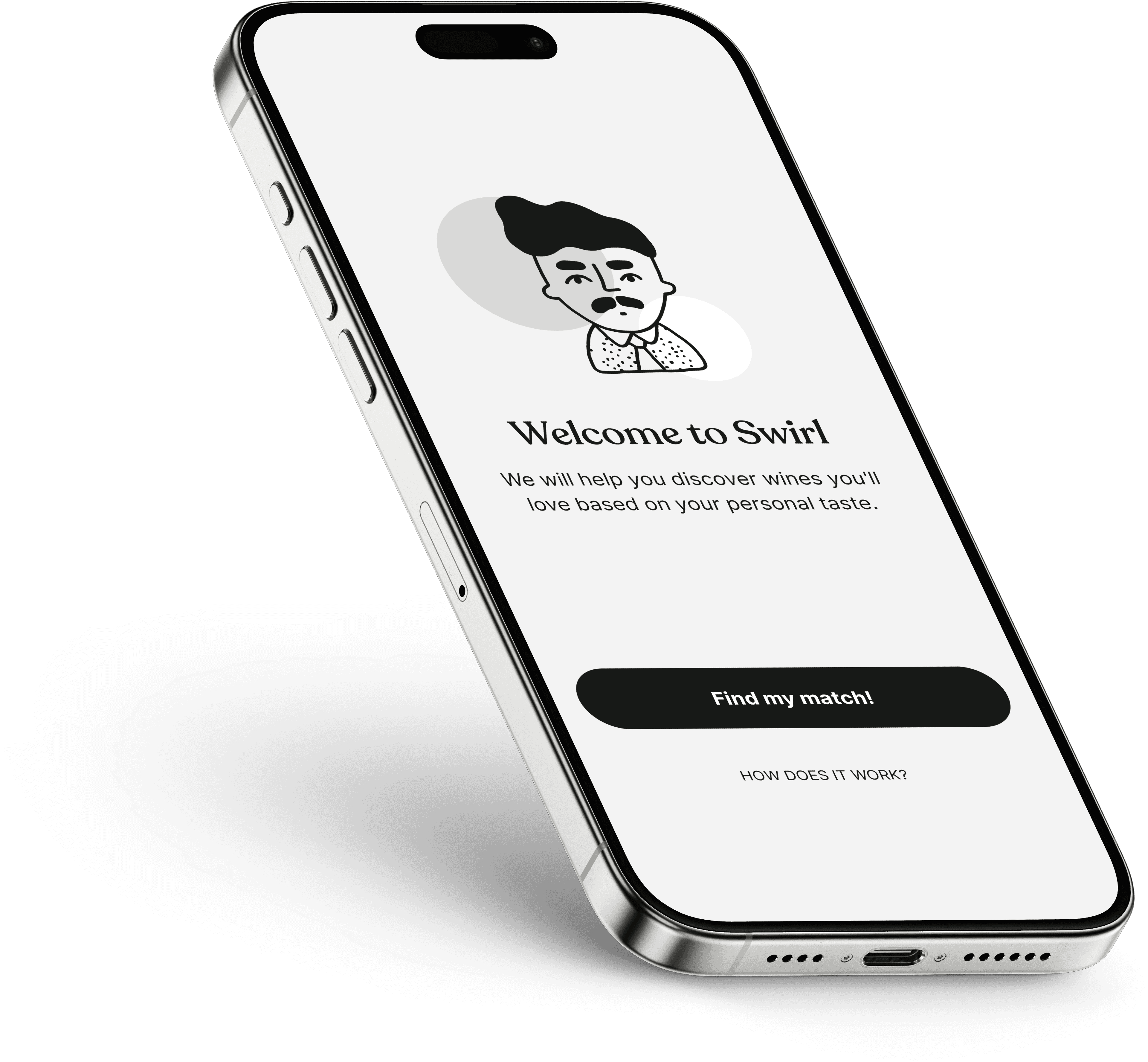
That is where a tool like Swirl becomes genuinely helpful. You scan the label, get the bottle information, and then place it in the context of your own palate rather than someone else's score. It feels less like following advice and more like building your own wine memory.
What to do after you scan the bottle
The scan itself is only the first step. The useful part is what you do next. Check the style, grape or blend, region and vintage, then compare that with what you already know about your preferences. If you tend to enjoy lighter reds, a rich, full-bodied bottle may still be excellent - just not excellent for you tonight.
This is also the moment to save the wine if the app lets you. A private tasting log is far more valuable over time than most people expect. After a few bottles, patterns begin to show. You might realise you prefer Rioja over generic "red wine", or that you like New Zealand Sauvignon Blanc but not every Sauvignon Blanc. That is how wine gets simpler.
Use scans to build taste, not just identify bottles
The smartest wine drinkers are not the ones who can recite regions from memory. They are the ones who notice their own patterns. Scanning helps because it removes the friction of remembering labels, names and vintages later.
Over time, each scan becomes a data point. Not in a cold, technical sense - in a practical one. You are building a record of what actually pleased you, what disappointed you, and what you want to try next.
A better way to choose wine with less second-guessing
If you have ever bought a bottle because the label looked expensive, or ordered the second-cheapest option because it felt safest, you are not alone. Most people are not lacking taste. They are lacking useful information at the moment they need it.
Learning how to scan wine labels gives you that information quickly. It helps you identify the bottle, understand what is in the glass, and make decisions with more certainty. Sometimes the scan will be instant. Sometimes it will take a second attempt. Either way, it is far better than pretending confidence and hoping for the best.
The more you use it, the less wine feels like a test and the more it feels like your own territory. And that is when choosing well starts to feel easy.
Ready to choose wine with confidence?
You don’t need to learn everything. You just need to understand your taste and connect it to what’s in the bottle. Swirl helps you do exactly that.
Scan any bottle
Discover how it’s made
Understand its flavour
Find wines you’ll actually enjoy

Head Sommelier
Marcus is our Head Sommelier with experience in highly regarded places including 1, 2 and 3-Michelin-starred restaurants. With over 10 years of experience, he's passionate about helping people having unforgettable wine experiences.
Go to all articles